

No need to rebuild test scripts for load testing. Easily import your existing Selenium test cases into LoadView and see how your application performs under real user load.
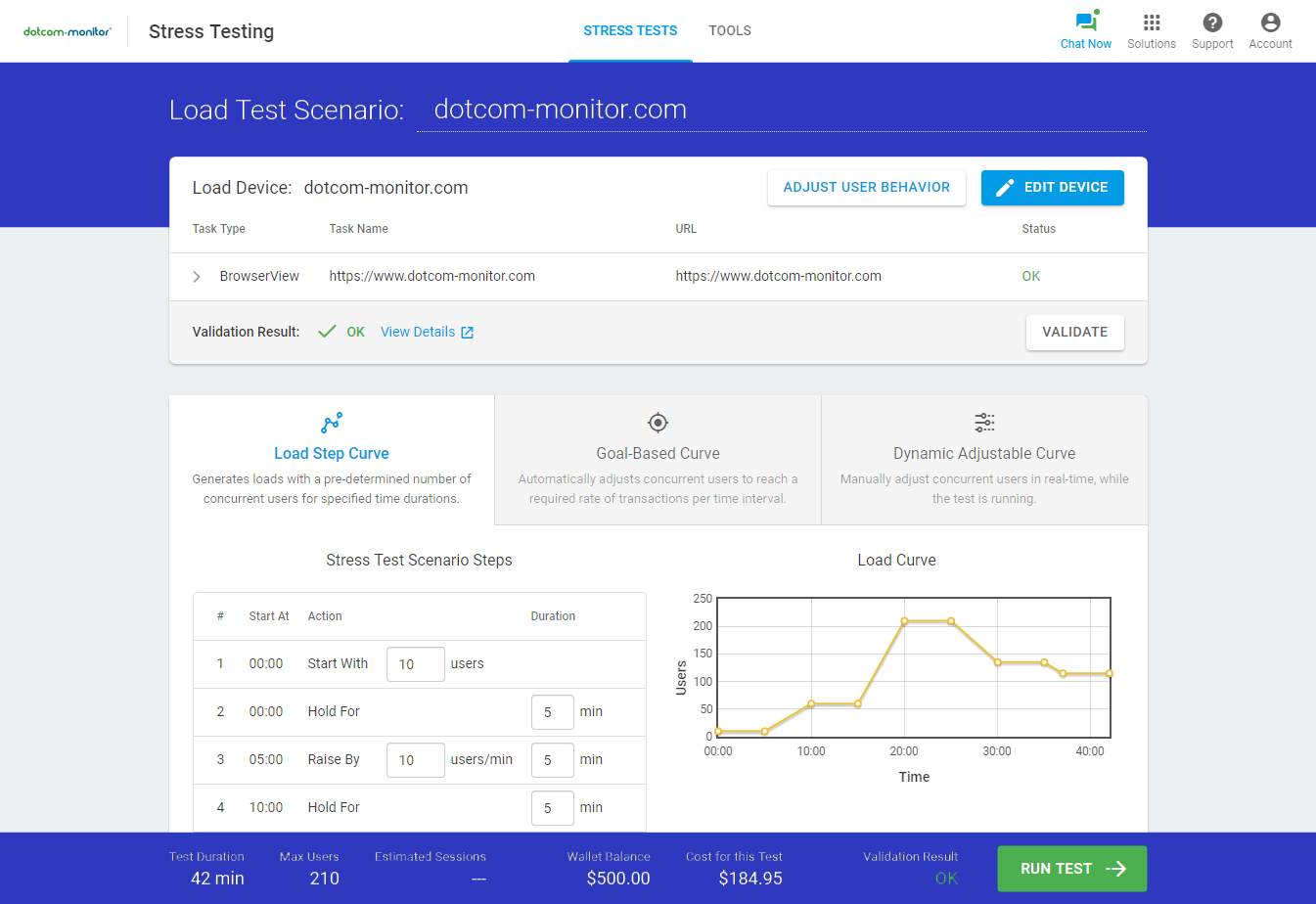



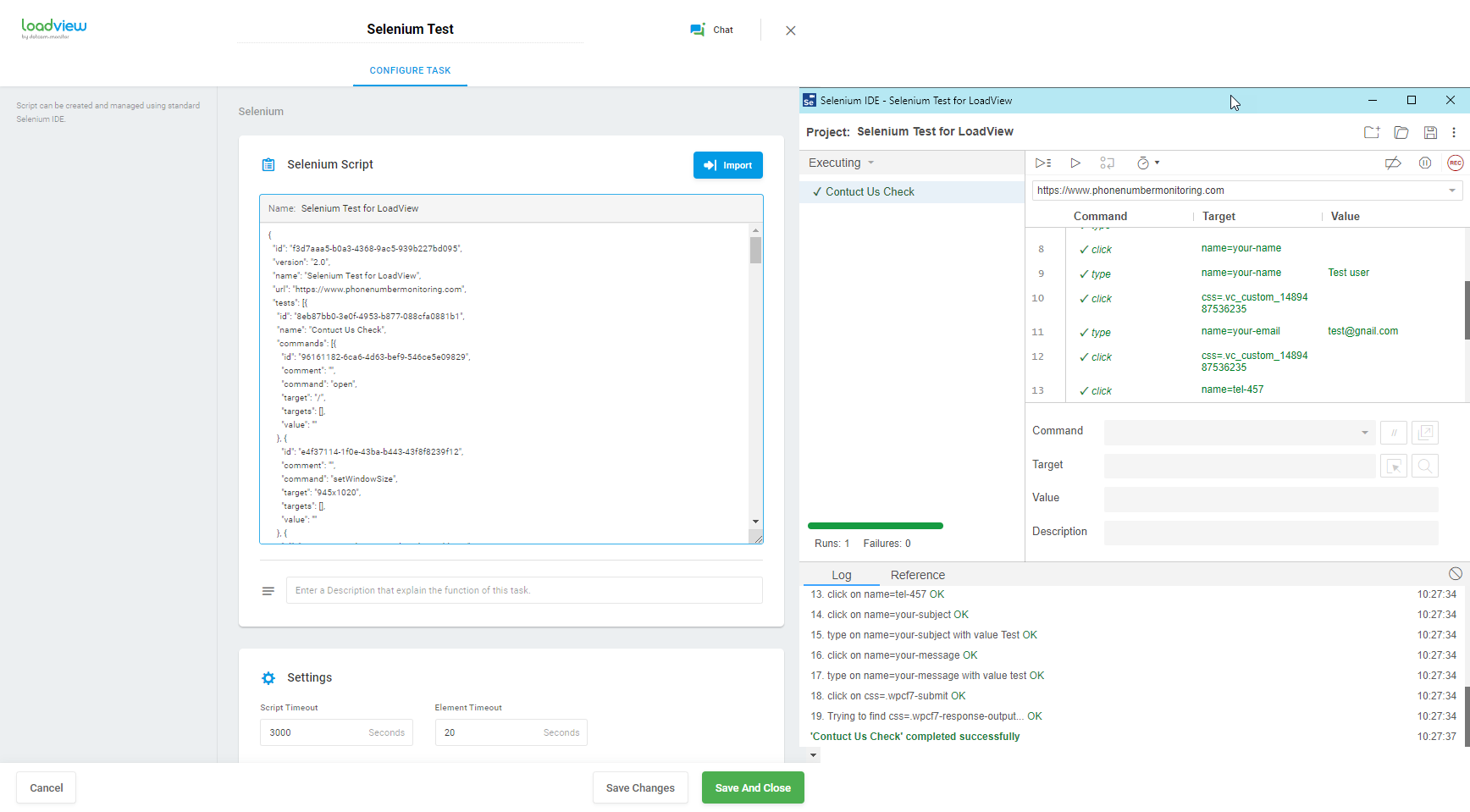
Import your Selenium IDE test project into the LoadView platform with a few simple clicks. If required, you can easily edit the Selenium script from within the LoadView in seconds.
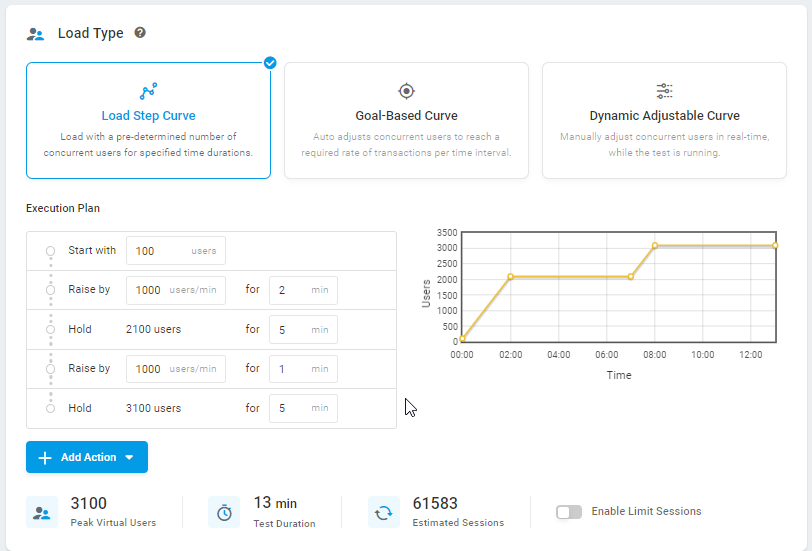

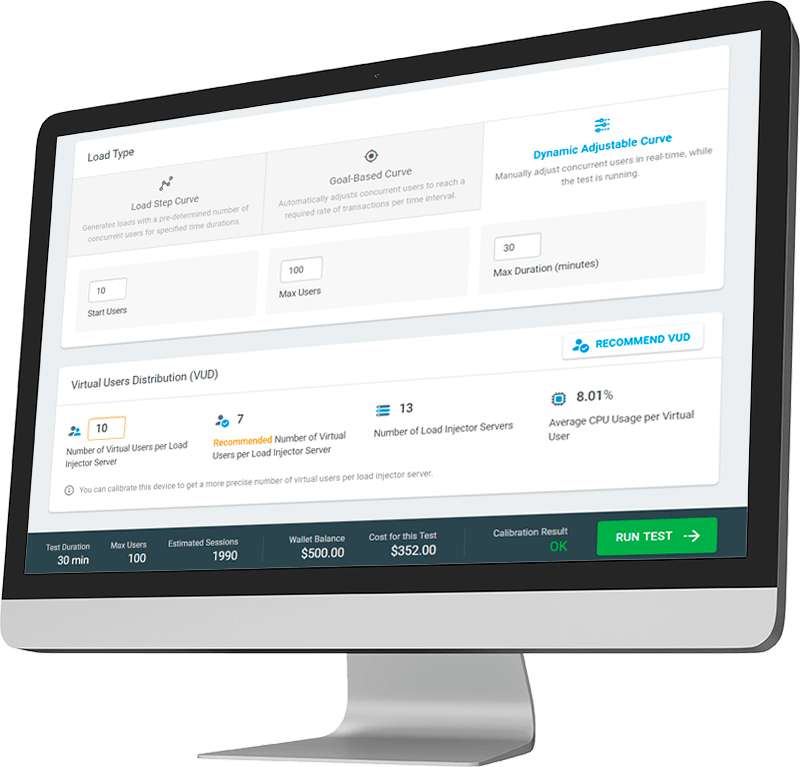
Reach your Selenium test goal by fine tuning the load pattern with one of multiple load curves provided by LoadView. Set up load ramp-up and ramp-down rates to easily adjust the load curve. Or, you can manually adjust the load level in real time to have full control over the load levels.

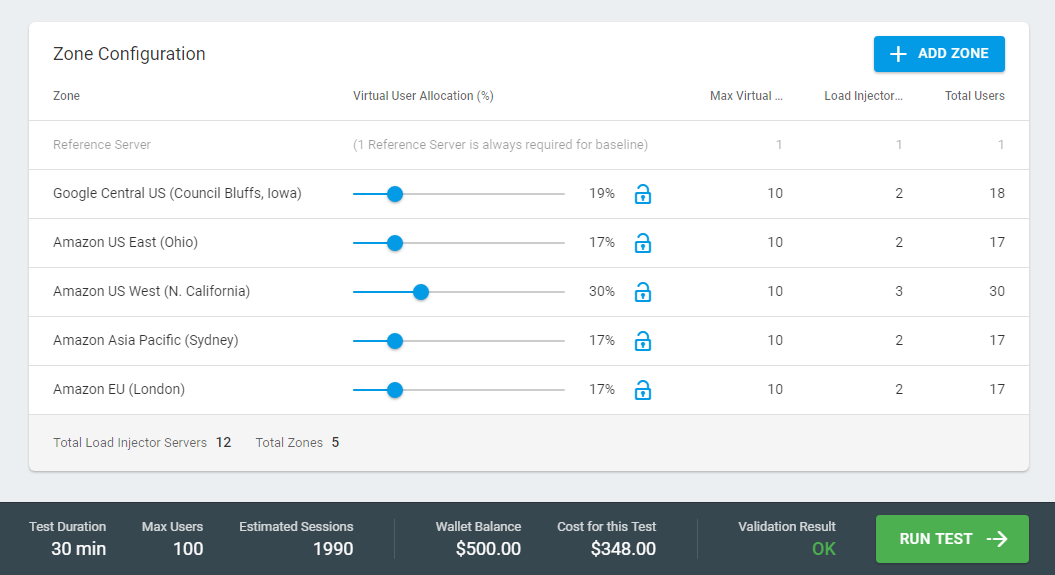
Configure distributed load testing from more than 40 geographical locations all over the world. Simulate realistic geographical distribution of users accessing your web application.
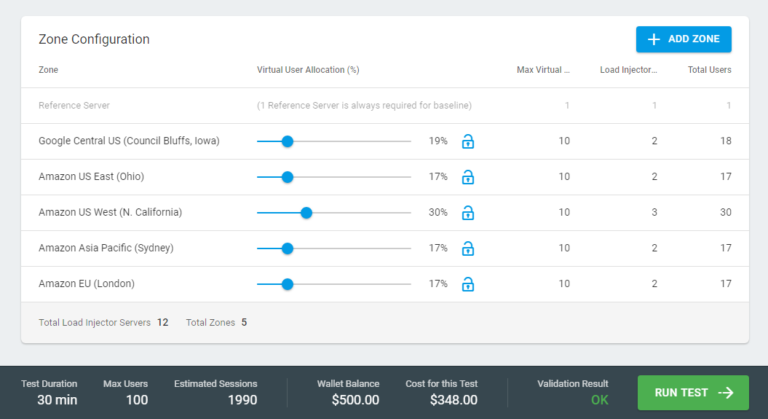
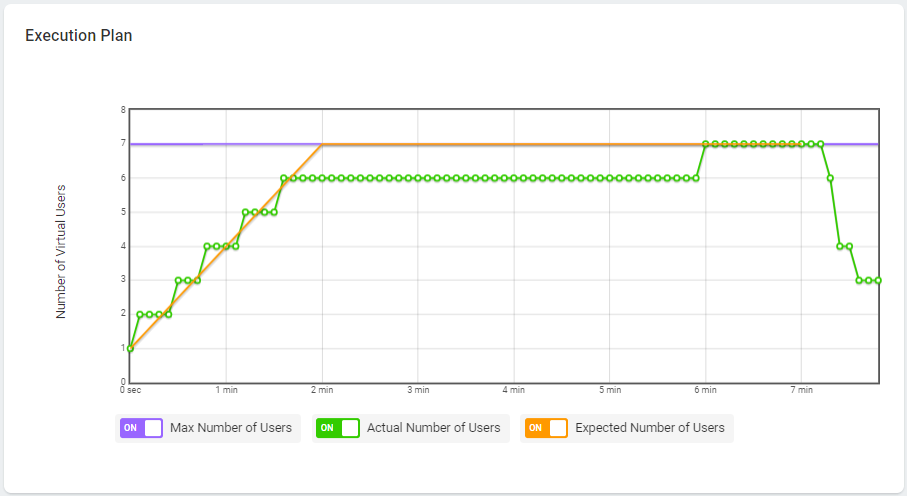

Run your Selenium test immediately or schedule it to run at any time in the future. Perform load testing with Selenium scripts at a more advanced level in with group load testing as an additional option. Execute multiple Selenium tests in parallel for comprehensive test results.

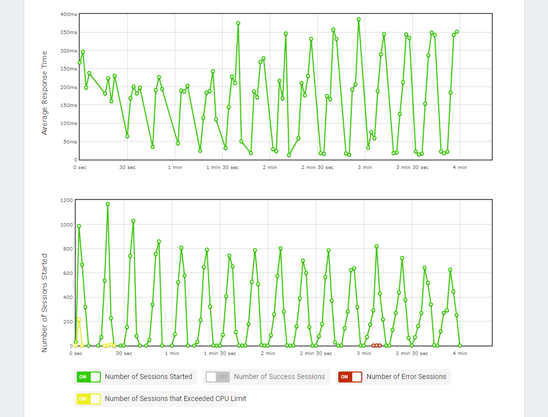
Review key parameters of the performance of your web app in real time. Analyze element-by-element waterfall charts to gain insight into specific test session statistics. Watch video playback of the Selenium script execution in real browsers to see how your web application behaves under load from an end-user perspective.
Powerful Selenium Load Testing Features

Run several Selenium tests concurrently to simulate thousands of virtual users executing typical web transactions on the target website.
Execute Selenium tests from multiple geo zones including United States, South America, Europe, APAC and other 40+ locations over the globe.

Leverage our On-site Agent to test your web applications from within your local network or Public Proxy Servers to test behind the firewall.
Use visualization of your Selenium test results to catch bottlenecks caused by spikes in traffic and troubleshoot other performance issues in timely manner.
Take Selenium Performance Testing to the Next Level
Measure response times of your web applications as perceived by your users around the world.
LoadView gives you full flexibility to model realistic load test scenarios for your web applications.

Determine the limits of your web applications by defining crucial metrics and threshold levels.

Automate web application load tests to understand response times under heavy load.
The LoadView platform eliminates the complexities of Selenium load testing, so you can focus on creating outstanding applications.

Test the limits of your web pages to ensure that the customer experience is consistent across all popular desktop/mobile browsers and devices.
Measure client-side performance by simulating the critical user interactions of your web applications to improve the user experience.

Perform thousands of calls to your APIs the same way your end users and conduct dynamic API testing on virtually any type of system or infrastructure.
in Minutes
On-demand. No credit card. No contract.