

Virtual Reality (VR) has become an important technology across gaming, entertainment, education, training, healthcare, and business applications. Instead of using a traditional screen-based interface, VR places users inside a computer-generated environment where they can interact through headsets, controllers, hand tracking, and other connected devices. As VR applications become more realistic and interactive, their performance requirements also become more demanding.
Load testing plays an important role in ensuring that VR applications operate smoothly, especially when multiple users are active at the same time. At its core, load testing evaluates how an application handles simultaneous user activity and different traffic conditions. By simulating concurrent users, teams can identify performance bottlenecks before they affect real users.
The complexity of modern VR applications makes load testing especially important. VR experiences need to remain responsive, stable, and immersive. Any crash, slowdown, latency, or stutter can break immersion and may even cause discomfort for users. Because of this, VR applications must be tested for stability under expected user load, especially when they depend on real-time rendering, cloud services, APIs, multiplayer sessions, or streaming content.
However, load testing VR applications can be challenging. VR technology’s interactive and immersive nature introduces a complex mix of hardware requirements, network performance, graphics rendering, and user behavior. These applications often require high-performance CPUs, graphics cards, RAM, and low-latency connections to deliver a smooth experience. These requirements can create challenges when simulating multiple concurrent users and measuring how the application performs under load.
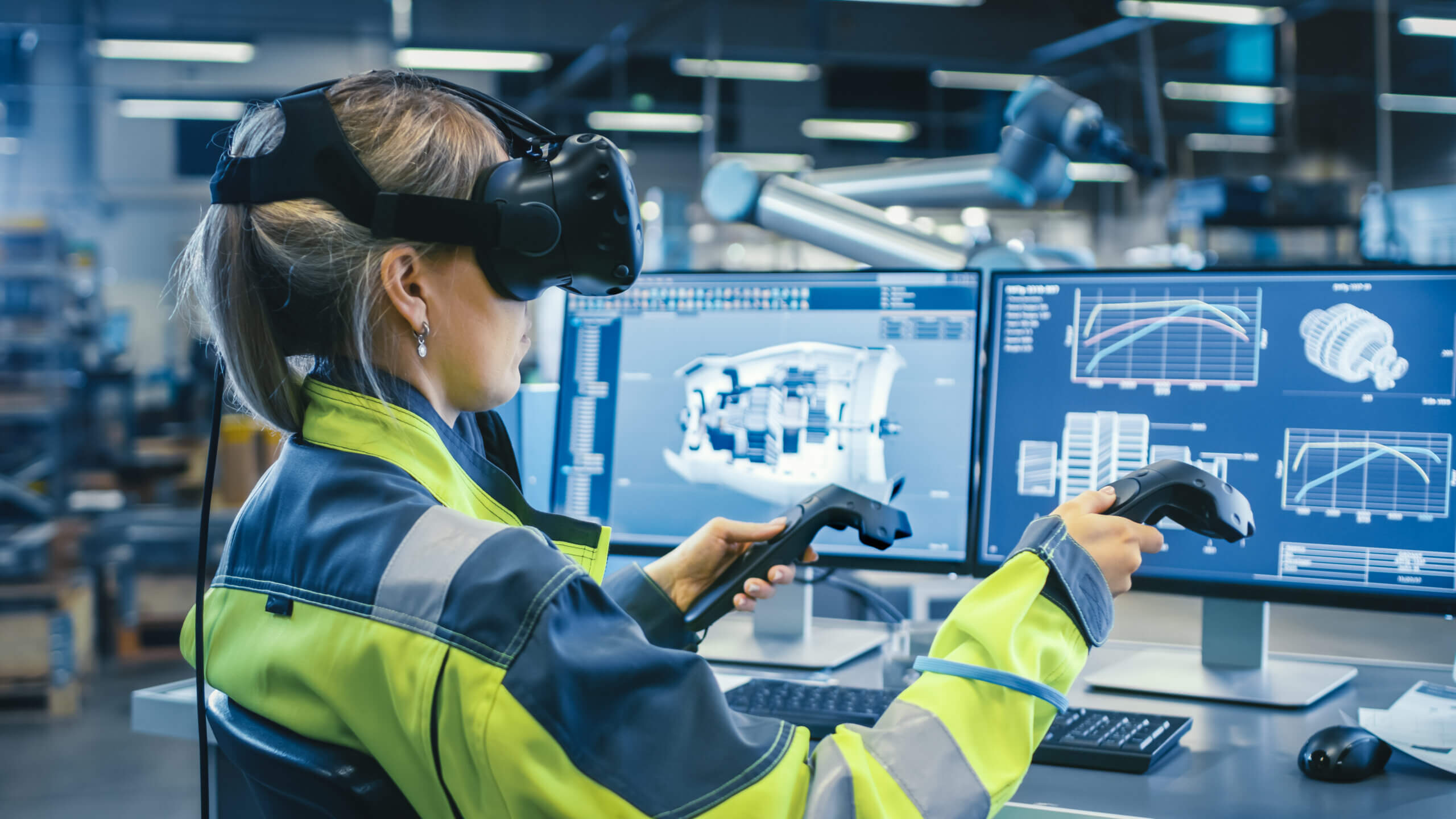
The Evolution of Technology and the Implications for Load Testing VR Apps
The progression of Virtual Reality (VR) technology has been remarkable. From its early beginnings in the 1960s to today’s immersive, dynamic, and interactive environments, VR has continued to push the boundaries of digital interaction. Modern VR applications often include high-resolution graphics, real-time movement, spatial audio, multiplayer features, and integrations with cloud platforms or APIs.
The complexity of modern VR applications requires strong hardware and infrastructure support. High-performance CPUs, graphics cards, RAM, and network stability are all important for delivering a seamless VR experience. These components help process calculations, render graphics, manage user input, and support real-time interactions. However, these same requirements make load testing more complex because simulating many concurrent users can become resource-intensive.
Another factor that can add complexity is the use of advanced graphics and interactive 3D environments. VR applications often rely on detailed scenes, dynamic objects, and real-time rendering. These elements can create performance challenges that are difficult to identify with basic functional testing alone.
During load testing, simulated users must accurately represent the way real users interact with these environments. This can include moving through virtual spaces, triggering events, joining shared sessions, or interacting with objects. As a result, VR load testing often requires more careful scripting, realistic user flows, and tools that can handle complex application behavior.
Addressing High Hardware Requirements for Load-Testing VR Applications
Load testing helps ensure strong VR application performance. Because modern VR applications can demand substantial hardware and infrastructure resources, the tools used for load testing must be able to simulate realistic usage patterns and measure performance under different load conditions.
Various strategies can help address the high hardware requirements of load testing VR applications. Cloud-based load testing, for instance, uses scalable cloud resources to simulate many virtual users concurrently. This helps bypass the limitations of physical testing hardware and enables broader performance evaluation.
Distributed load testing spreads the testing process across multiple systems, making it possible to simulate more users at once while reducing the load on individual machines. This can improve the accuracy of the test and make it easier to understand how the application behaves under heavier usage.
Application optimization can also reduce the hardware demands of VR load testing. Optimizing assets, reducing unnecessary requests, improving API performance, and monitoring backend services can all help improve the overall user experience.
However, it’s important to remember that high-performance VR applications can still impose practical limits on concurrent user simulation. Teams should balance hardware requirements, network conditions, and test accuracy to obtain meaningful load test results.
These strategies can support more comprehensive load testing processes and help teams detect VR application performance bottlenecks earlier. The result is a smoother, more immersive VR experience for end users.
Navigating Graphics and Interaction Challenges in Load-Testing VR Applications
VR applications often use complex graphics, 3D objects, animations, and interactive environments to create immersive experiences. These elements can place heavy demands on rendering, network communication, backend services, and user devices. Because of this, VR load testing should evaluate more than whether the application simply launches or responds.
Potential solutions include using realistic scripting techniques that simulate actual user behavior. Scripting allows teams to automate user interactions and create more accurate load-testing scenarios. These scripts can mimic actions such as logging in, joining a session, moving through an environment, interacting with objects, or triggering application events.
Load testing can also be paired with monitoring and analytics tools to better understand where performance issues occur. For example, teams may need to track response times, session stability, API latency, dropped connections, frame rate issues, or backend resource usage during tests.
Specialized testing tools can also play an important role. These tools can help simulate realistic user interactions and provide a better understanding of how the VR application performs under different load conditions.
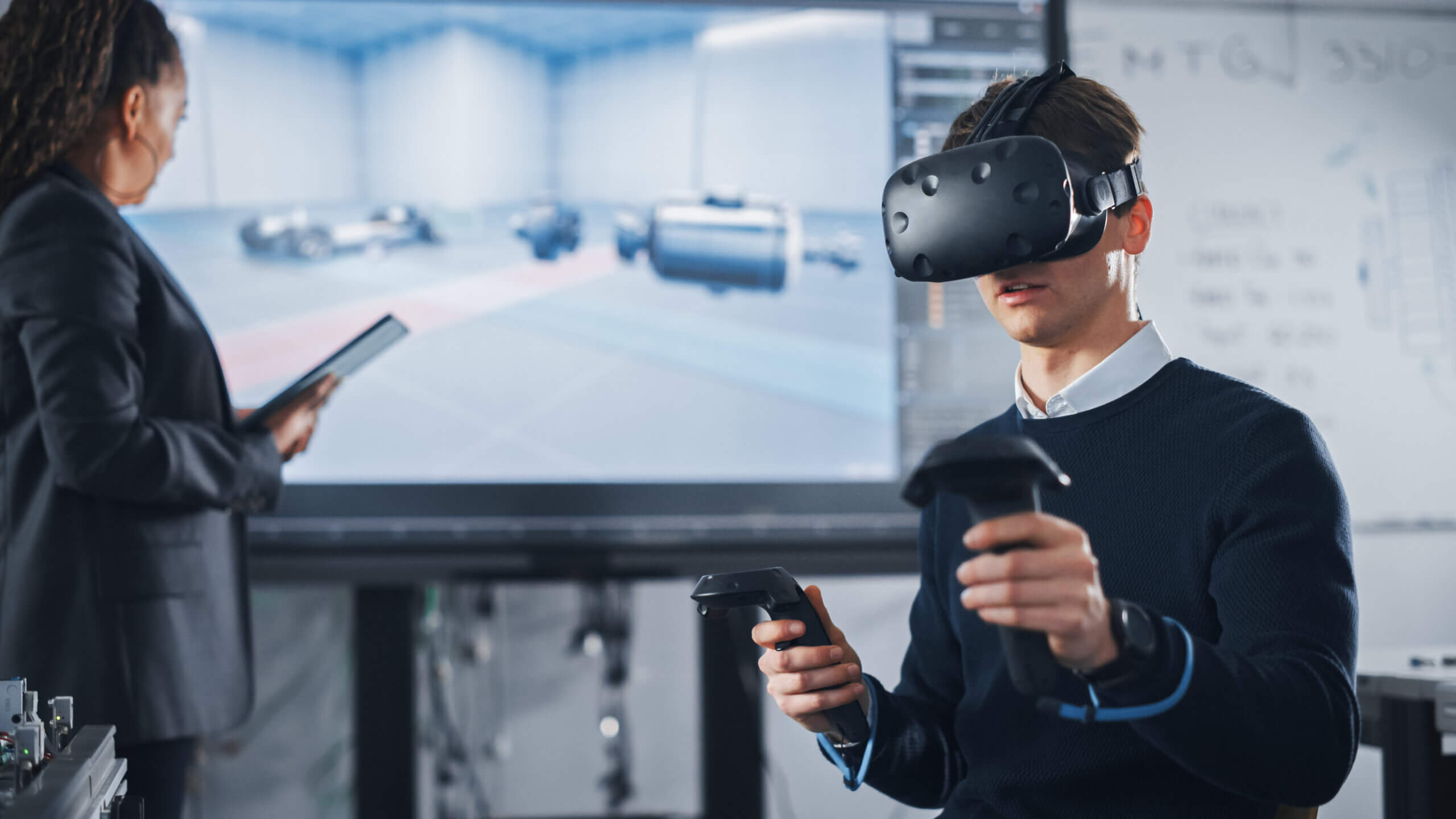
VR Load Testing with LoadView’s EveryStep Recorder
LoadView’s EveryStep Recorder can help address many of the challenges involved in load testing complex user flows. As a browser-based script recorder, the EveryStep Recorder captures user interactions as they navigate and interact with a web application. It then creates load test scripts that help represent how users move through an application under different levels of traffic.
For VR-related web applications, portals, dashboards, or browser-based experiences, the EveryStep Recorder can help capture important user actions and workflows. This may include logging in, launching content, navigating account areas, selecting sessions, submitting forms, or completing other important browser-based steps that support the VR experience.
The EveryStep Recorder captures key parts of the user journey, from basic navigation to more complex interactions. This helps teams create more realistic load tests than simple protocol-only tests, especially when the user experience depends on front-end behavior, authentication, APIs, and dynamic application steps.
The EveryStep Recorder has several advantages for teams that need accessible load testing. As part of LoadView’s cloud-based platform, it can help distribute load tests across multiple load injectors and simulate user traffic without requiring teams to manage all test infrastructure themselves.
Moreover, the EveryStep Recorder emulates real user interactions within supported browser-based workflows. Instead of only sending synthetic requests, it helps reproduce the actions users take in a browser, which can provide more reliable insights into user-facing performance.
The EveryStep Recorder also simplifies the load testing process, making it more accessible to teams without deep scripting experience. It reduces the need for complex programming and can help businesses build useful load tests faster.
Exploring the Benefits of Cloud-Based Load Testing in VR
Cloud-based load testing represents a practical approach to assessing the performance and resilience of applications that support VR experiences. LoadView’s cloud-based load testing platform offers several benefits for teams that need to test complex user flows, global access, and high-traffic scenarios.
LoadView’s cloud-based approach can reduce the costs and complexity associated with load testing. Traditional load testing may involve upfront investment in hardware, setup, maintenance, and scaling. LoadView helps reduce that burden by using cloud-based load generation, allowing teams to run scalable tests without managing all testing infrastructure internally.
The ability to distribute load tests across multiple load injectors can also provide substantial benefits. VR applications and supporting web services may need to handle users across different regions, devices, and networks. Cloud-based testing helps teams simulate more realistic demand and better understand how the application performs under heavier traffic.
Finally, the user-friendly nature of LoadView can reduce the dependency on specialized load testing skills. VR applications can be complex, but the process of creating useful performance tests should not be unnecessarily difficult. With an intuitive interface and browser-based recording capabilities, LoadView helps make load testing more accessible to technical and non-technical teams.
Embracing a New Era in VR Load Testing – How LoadView Helps
VR technology continues to change how users interact with digital environments. As these experiences become more immersive and connected, performance becomes even more important. A VR application’s ability to remain smooth and responsive under load is closely tied to the quality of the user experience.
LoadView’s EveryStep Recorder can help teams create realistic tests for the browser-based workflows that support VR experiences. Its cloud-based approach, accessible scripting, and real browser testing capabilities make it easier to evaluate how important user journeys perform under traffic.
Modern VR applications often depend on more than just the headset experience. They may include login systems, account portals, content libraries, APIs, session management, streaming services, and backend infrastructure. Testing these supporting systems helps teams identify performance issues that could affect the overall VR experience.
In conclusion, the continued evolution of load testing tools like LoadView’s EveryStep Recorder can help VR teams build more reliable digital experiences. By testing critical workflows and supporting infrastructure before users encounter problems, teams can reduce the risk of slowdowns, failed sessions, and unreliable performance.
In the quest for seamless VR experiences, the combination of realistic load testing and cloud-based infrastructure remains important. Although VR load testing can present unique challenges, tools like LoadView help teams take a practical approach to identifying bottlenecks and improving performance.
Don’t let performance issues hinder your VR experience. Harness the power of LoadView’s EveryStep Recorder today.
Start your free trial now and elevate the quality of your VR applications to new heights!