

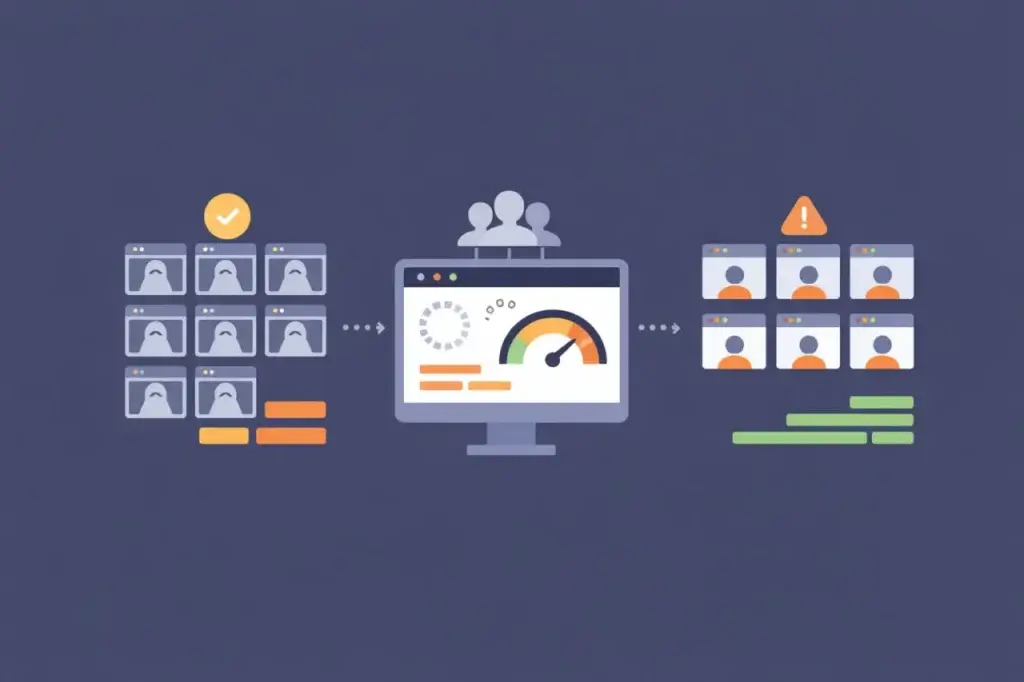
Headless browsers have quietly become the default execution model for load testing modern web applications. They are fast to provision, inexpensive to scale, and easy to integrate into automated pipelines. For teams under constant pressure to test earlier, test more often, and test at higher volumes, headless execution feels not only practical but inevitable.
That popularity, however, has created a subtle problem. Many teams now reach for headless browser load testing without fully understanding what it measures—or more importantly, what it leaves out. As a result, organizations increasingly believe they are testing user-facing performance when they are really testing something narrower: client-side logic execution under concurrency.
That distinction matters. Modern web applications are no longer defined by server response times alone. They are defined by what happens inside the browser after the first byte arrives. When performance failures occur, they often live in rendering paths, hydration phases, third-party scripts, or main-thread contention—areas headless browsers intentionally abstract away.
The result is a growing gap between what tests report and what users experience. Understanding when headless browsers are appropriate—and when they are not—is now a foundational skill for any serious performance testing program.
The Rise of Headless Browser Load Testing
Headless browsers emerged to solve real problems. Traditional protocol-level load testing could generate massive volumes of traffic, but it could not execute JavaScript, follow client-side routing, or reflect the behavior of modern frameworks. As applications moved toward SPAs, SSR, and hybrid rendering models, protocol tests lost relevance.
Headless browsers filled that gap. By executing real browser engines without a graphical interface, they allowed teams to simulate client-side behavior at a fraction of the cost of full browser automation. This unlocked new use cases: CI-based regression testing, framework benchmarking, API orchestration validation, and high-concurrency client execution modeling.
Over time, convenience turned into default usage. Many teams now treat headless browser load testing as synonymous with performance testing itself. That assumption is rarely challenged until production behaves differently than test environments predicted.
What Headless Browsers Actually Measure
To understand when headless browsers are appropriate, it’s important to be precise about what they do.
Headless browsers execute JavaScript using a real browser engine. They parse HTML, construct the DOM, evaluate scripts, manage application state, follow routing logic, and initiate network requests. From the application’s perspective, this looks like a legitimate browser session.
This makes headless execution extremely effective at measuring:
- Client-side logic performance under concurrency
- API call patterns and fan-out behavior
- JavaScript execution cost during application bootstrap
- State management and routing efficiency
- Error handling and retry behavior at scale
- The interaction between frontend logic and backend capacity
In environments where rendering complexity is low or where performance risk lives primarily in backend services, these signals are both meaningful and actionable. Headless browser load testing can reveal inefficient API usage, N+1 request patterns, poorly cached data calls, or framework regressions that only appear under concurrency.
In other words, headless browsers are excellent at testing what your code does.
What Headless Browsers Deliberately Do Not Measure
What headless browsers do not test is just as important—and this is where misunderstandings arise.
By design, headless execution omits the graphical user interface. This means entire categories of browser work are skipped or significantly simplified. These include:
- Layout calculation and reflow
- Paint and compositing operations
- GPU acceleration and throttling behavior
- Font loading, text shaping, and image decoding
- Viewport-specific layout changes
- Scroll, hover, and interaction-driven rendering updates
- Browser-specific rendering differences
These are not edge cases. In modern applications, rendering work often dominates perceived performance. Framework hydration alone can block the main thread for hundreds of milliseconds. Third-party scripts frequently inject layout changes. Dynamic content triggers reflow cascades. Under load, these effects compound.
A headless browser will not feel this pain. It can execute JavaScript quickly and report clean timing metrics while real users experience jank, freezes, or unresponsive interfaces.
This is not a bug. It is a tradeoff. Headless browsers optimize for speed, scale, and determinism—not experiential fidelity.
Why This Matters More Than It Used To
Ten years ago, this distinction mattered less. Server-rendered pages with minimal JavaScript placed most performance responsibility on backend infrastructure. If the server responded quickly, the page loaded quickly.
That world no longer exists.
Today’s web applications treat HTML as a bootstrap artifact. The real work begins after first paint: hydration, client-side routing, state synchronization, data fetching, and continuous re-rendering. The browser is no longer a passive renderer. It is an active runtime environment.
As a result, performance failures increasingly originate on the client side, even when backend systems appear healthy. CPU saturation, main-thread blocking, and rendering contention are now common failure modes during traffic spikes and releases.
Headless browser load testing, by abstracting away rendering behavior, cannot surface these issues. Teams that rely on it exclusively are testing an increasingly incomplete model of their application.
When Headless Browser Load Testing Is the Right Tool
None of this means headless browsers should be avoided. It means they should be used intentionally.
Headless browser load testing is well suited for scenarios where the UI is not the dominant performance risk. Common examples include backend-heavy applications where most latency is driven by API calls, database queries, or external integrations. In these cases, rendering overhead is negligible compared to network and compute cost.
Headless execution also makes sense for internal tools and operational dashboards with limited visual complexity. When the application’s purpose is functional rather than experiential, measuring logic execution and request behavior is often sufficient.
Another strong use case is early-stage regression testing. In CI pipelines, headless tests provide fast feedback on whether new code paths introduce inefficiencies or change traffic patterns. They allow teams to catch obvious regressions without paying the cost of full browser simulation.
Headless browsers are also effective for large-scale concurrency modeling. When the goal is to understand how client behavior amplifies backend load—rather than how users perceive the UI—headless execution provides cleaner, more scalable signals.
Used in these contexts, headless browser load testing is not a compromise. It is the correct instrument.
Where Headless Testing Goes Wrong
Problems arise when headless tests are asked to answer questions they were never designed to answer.
A common pattern looks like this: teams run headless load tests, see stable response times, acceptable error rates, and predictable scaling behavior. Confident in these results, they proceed with releases or campaigns. Shortly afterward, users report broken interactions, slow navigation, or frozen screens.
Post-incident analysis often reveals that backend systems performed as expected. The failure lived entirely in the browser: hydration blocked interactions, rendering pipelines saturated CPU, or third-party scripts degraded responsiveness under concurrency.
From the test’s perspective, nothing went wrong. From the user’s perspective, everything did.
This gap is particularly dangerous because it creates false confidence. Headless metrics look precise and repeatable. Dashboards remain green. Yet they represent only a subset of the workload users impose on the system.
As applications become more browser-centric, this mismatch grows more severe.
The Role of Real Browsers in Load Testing
Real browsers introduce friction. They are heavier, slower to scale, and more expensive to run. That friction is precisely why they matter.
Real browser load testing exercises the full execution path: JavaScript, rendering, layout, paint, and interaction handling. It captures the cost of visual complexity, device variance, and browser engine differences. It exposes how third-party scripts behave once rendered. It reveals contention between code execution and rendering work.
Most importantly, real browsers validate whether users can actually complete workflows under load. They answer experiential questions: does navigation respond, do forms submit, do modals open, do dashboards populate?
These are not abstract concerns. They are the difference between a system that is technically available and one that is operationally usable.
When performance risk lives in the browser—which is increasingly the case—omitting real browser testing is not a neutral choice. It is a blind spot.
Load Testing vs Performance Testing in Headless Browsers
Much of the confusion around headless browsers stems from conflating load testing with performance testing.
Load testing focuses on scale. It asks how systems behave as concurrency increases. Performance testing focuses on experience. It asks how systems behave from the user’s perspective.
Headless browser load testing excels at scale modeling. It can generate thousands of concurrent client executions quickly and cheaply. Real browser testing excels at experiential validation. It reveals what happens when real browsers compete for CPU, memory, and rendering resources.
Neither replaces the other. They answer different questions.
The mistake is assuming that a test designed for load automatically validates performance.
Choosing the Right Tool Deliberately
The most effective teams do not argue about tools. They argue about intent.
If the goal is to validate client-side logic efficiency and backend scalability, headless browser load testing is appropriate. If the goal is to validate user experience under realistic conditions, real browsers are necessary.
If the goal is to catch regressions early and cheaply, headless tests belong in CI. If the goal is to prevent production incidents, realism must be prioritized over convenience.
This is where tool selection becomes consequential. Platforms like LoadView execute tests in real desktop and mobile browsers, exist specifically to answer questions headless execution cannot: how rendering, third-party scripts, and user interactions behave under load. Headless tools remain valuable for fast feedback and scale modeling, but they should not be asked to validate experiences they are structurally unable to observe.
Tool choice is not a technical preference, it’s a risk management decision.
A Balanced Load Testing Strategy
Mature performance programs rarely rely on a single execution model. Instead, they layer signals.
Headless browser load testing provides fast, repeatable insight into client logic and request behavior. It helps teams understand how code changes affect load patterns and backend systems.
Real browser testing provides confidence that those patterns translate into usable experiences. It validates rendering behavior, interaction stability, and workflow completion under load.
Together, they form a complete picture. Separately, each leaves critical gaps.
Conclusion
Headless browser load testing is neither obsolete nor insufficient. It is simply specialized.
As web applications continue to shift complexity into the browser, performance failures increasingly occur where headless execution cannot see. Teams that treat headless tests as a proxy for user experience will continue to be surprised by production behavior.
The teams that avoid those surprises are the ones that match their tools to their intent. They understand what each test is proving, what it is excluding, and why that matters.
When performance depends on the browser, your load testing strategy should reflect that reality—deliberately, not by default.